This Commander game log template tracks the date, your deck, opponents, pod size, starting seat, winner, turns, deck version, and a short note. It is intentionally compact: the best template is the one your group still fills in after a long game.
Download the free CSV template
Commander game log columns
| Column | Example | Required? |
|---|---|---|
| Game ID | 2026-08-04-01 | Yes |
| Date | 2026-08-04 | Yes |
| Player / deck | Nils — Muldrotha | Yes |
| Opposing commanders | Alela; Krenko; Giada | Yes |
| Pod size | 4 | Yes |
| Your seat | 3 | Yes |
| Starting player | Alex | Yes |
| Winner | Sam — Krenko | Yes |
| Result | Loss | Yes |
| Final turn | 9 | Recommended |
| Deck version | v3 | Recommended |
| Win condition / issue tag | Combat / color screw | Optional |
| Notes | Kept a two-land hand | Optional |
How to use the template
- Duplicate the example row. Give every game a unique ID and use an ISO date such as 2026-08-04 so sorting works everywhere.
- Use exact names. “Atraxa,” “Atraxa poison,” and “Poison deck” become three different values to a spreadsheet.
- Log immediately after the game. Seat, turn count, and the exact pod become unreliable surprisingly quickly.
- Leave optional fields blank when nothing useful happened. Do not invent a narrative for every loss.
- Review in blocks. Look at monthly or 20-game windows rather than reacting to every result.
Useful spreadsheet formulas
If each row represents your result and the Result column contains “Win,” the simplest win-rate formula is the count of wins divided by the number of completed games. Spreadsheet column letters vary, so use the structure below and adapt the range to your sheet.
Format the cell as a percentage. Filter by Deck before applying it to get a deck win rate, or build a pivot table with Deck as rows and Result as values. Always display total games next to the percentage.
One row per game or one row per player?
For personal tracking, one row per game is simplest. For a full playgroup log, use one row per player-game: a four-player game becomes four rows sharing the same Game ID. That structure makes it easier to calculate every player’s deck, seat, result, and win rate without squeezing four separate player schemas into one row.
Never count the four player-rows as four separate games when calculating pod totals. Count unique Game IDs for the number of games.
When to move from a spreadsheet to WUBRG
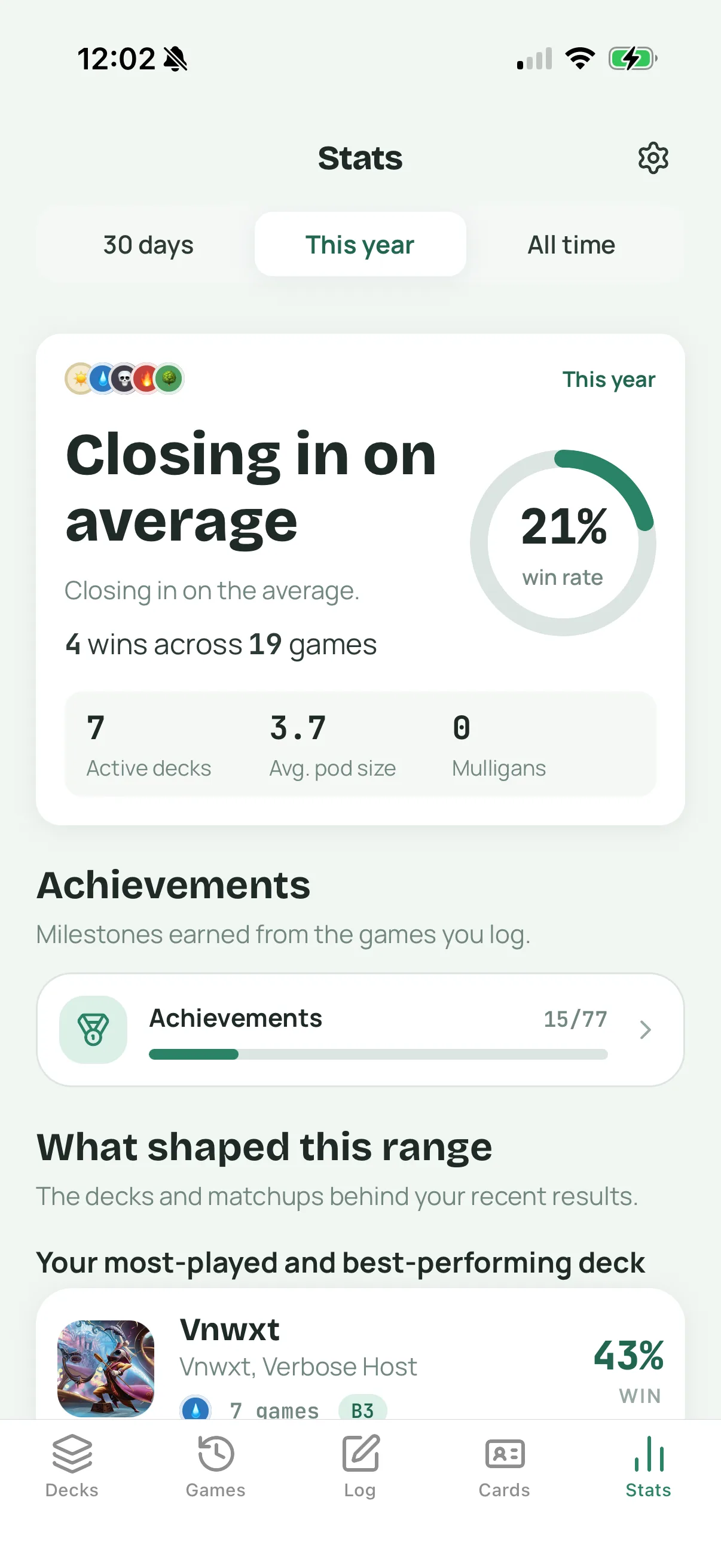
A spreadsheet is excellent when you want custom formulas or a shared file. It becomes awkward when names drift, deck lists change, or nobody wants to do table maintenance. WUBRG turns the same habit into a quick Commander-specific flow and automatically connects game results to decks, pod details, matchups, win rates, and version history.
Commander game log FAQ
What is the minimum information to log?
Record date, players, decks or commanders, pod size, winner, and your result. Add seat, turn count, and deck version if you want useful analysis later.
Should one person log games for the whole pod?
That is usually the most consistent approach. Agree on one source of truth and let players confirm the result before starting the next game.
Can I import this CSV into WUBRG?
The download is a platform-neutral spreadsheet template, not a promised WUBRG import format. Use it independently or use WUBRG to log new games directly.